If you have any questions, please feel free to contact us.| Email Us: info@dcheatpress.com


Views: 222 Author: Amanda Publish Time: 2025-12-25 Origin: Site


Content Menu
● What Is Sublimation Ink And Why It Matters
● How To Choose The Best Sublimation Ink (Core Criteria)
● Best Sublimation Inks By Printer Type
>> Epson F-Series Sublimation Printers (F170, F570)
>> Sawgrass Sublimation Printers (SG500, SG1000)
>> Converted Epson EcoTank And Other Inkjet Printers
● Leading Sublimation Ink Options (Brand Overview)
>> Brand And Use-Case Snapshot[3][2][1]
● Color Accuracy, ICC Profiles, And Workflow Consistency
● Price, Cost Per Milliliter, And Long-Term Economics
● Matching Ink To Projects: Hobby, Side Hustle, And Production
>> Hobby Crafters And Beginners
>> Side Hustle Sellers And Small Studios
>> High-Volume Or Professional Production
● How Ink Interacts With Paper, Blanks, And Heat Presses
● Practical Steps For Testing And Optimizing A New Sublimation Ink
>> 1. Prepare The Printer And Install Ink Correctly
>> 2. Print A Controlled Test Design
>> 3. Press Onto Representative Blanks
>> 4. Evaluate, Adjust, And Document
● Turn Optimized Ink Choices Into Reliable Production
● FAQs
>> 1. What is the best sublimation ink for beginners?
>> 2. Why do my sublimation prints look dull or faded?
>> 3. Can I mix different brands of sublimation ink in the same printe?
>> 4. How often should I perform maintenance when using sublimation ink?
>> 5. Is upgrading to a dedicated sublimation printer worth it for a small business?
Sublimation ink quality directly shapes the color, sharpness, and durability of every mug, tumbler, T-shirt, and sign you produce. Choosing the right formulation for your printer and workflow prevents costly misprints, reduces equipment issues, and supports long-term growth for craft brands and small businesses.[2][3][4][1]
Sublimation ink is a specialized dye that transforms into gas when exposed to high heat and pressure, then bonds permanently with polyester coatings or fibers at the molecular level. This process creates durable, wash-resistant, and scratch-resistant images that do not crack or peel because the color becomes part of the substrate surface instead of forming a surface layer.[4][2][1]
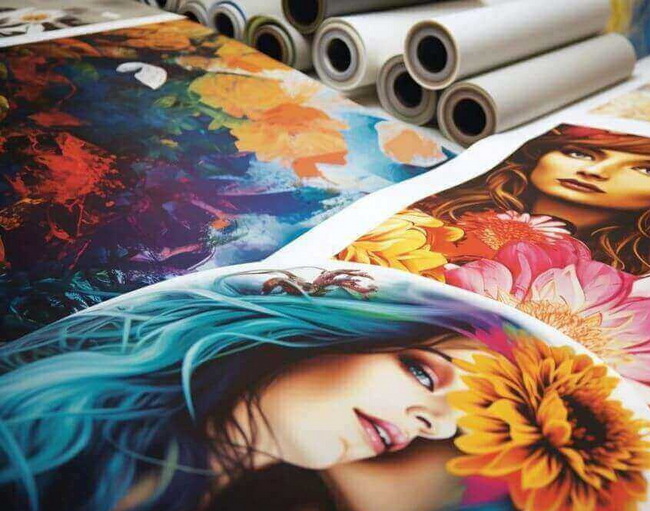
Using standard inkjet ink in a sublimation workflow does not work because it cannot sublimate or bond correctly, often causing dull prints, blurred details, and potential printer damage. For consistently bright, professional results, your ink, printer, paper, substrate, and heat press must function as a tuned system rather than independent components.[5][2][4][1]
Selecting the best sublimation ink depends on how well it matches your printer, how reliably it performs, and whether it fits your budget over time. Focusing on a few key criteria simplifies the decision and reduces trial-and-error.[2][3][1]
Key factors to evaluate.[3][4][1][2]
- Printer compatibility: Always confirm whether the ink is designed for a dedicated sublimation printer or a converted inkjet model.
- Color performance: Look for reviews and real-world examples highlighting vibrancy, black density, and skin-tone accuracy.
- Reliability and maintenance: Inks that clog less and work well with printer cleaning routines save time and reduce waste.
- ICC profile support: Access to good color profiles is essential for accurate on-screen to in-print color matching.
- Cost per milliliter: Assess long-term economics rather than only the initial bottle or cartridge price.
Different printers are optimized for specific ink systems, and using an incorrect or unsupported combination can undermine both quality and reliability.[4][2][1]
For dedicated Epson sublimation models such as the SureColor F170 and F570, the recommended choice is Epson's own sublimation ink designed for these machines. This OEM ink delivers consistent color, predictable performance, and full support for the printer's hardware and software ecosystem, making it ideal for serious hobbyists and businesses.[4][1]
Sawgrass printers are engineered around proprietary sublimation inks that integrate with their print management software and color profiles. For general sublimation projects on polyester and coated blanks, the standard Sawgrass ink line is favored, while a dedicated cotton-oriented line paired with compatible vinyl products supports designs on cotton surfaces.[1]
Many crafters convert inkjet printers, especially Epson EcoTank models, for sublimation to reduce initial hardware costs. For this route, reputable third-party sublimation inks specifically formulated for converted printers are required because original non-sublimation inks cannot sublimate or bond properly.[3][2][1]
Well-known options in this category include brands that focus on strong color saturation, good compatibility with EcoTank systems, and accessible ICC profiles, which help creators achieve consistent, repeatable results at home or in small studios.[2][3][1]
This section summarizes major sublimation ink families, their strengths, and typical usage scenarios.[2][3][1]
Brand / Line | Best Use Case | Strengths | Limitations |
Epson OEM ink | Epson F170 / F570 pro-level sublimation printers | High reliability, consistent color, strong manufacturer backing | Limited to specific Epson models; not for converted printers |
Sawgrass OEM ink | Sawgrass SG500 / SG1000 users needing pro color | Tuned to Sawgrass ecosystem, strong support and software tools | Higher cost per milliliter vs many alternatives |
Cosmos-type craft ink | Converted Epson printers for crafters and sellers | Popular in crafting communities, solid documentation and tutorials | Dependent on correct setup and color management |
Hiipoo-type EcoTank ink | Converted EcoTank users seeking value and vibrancy | Strong color saturation, good performance when profiled | Requires careful filling and regular maintenance routines |
Budget craft inks | Entry-level or budget-conscious hobby use | Low initial cost, accessible for experimentation | May need more tweaking, potential for clogs if neglected |
Even excellent ink can produce disappointing results if color management is inconsistent. Achieving accurate colors requires a controlled workflow from design software through printing and pressing.[4][2][1]
Core practices for accurate color.[2][4][1]
- Use matching components: Pair ink, printer, and paper combinations that are known to work well together.
- Install suitable ICC profiles: Use profiles from the ink or paper supplier when available, so printed color aligns more closely with screen previews.
- Control color settings: Ensure that color correction is handled in one place only, either by the design software or the printer driver, to avoid double-profiling.
- Keep press parameters stable: Use consistent time, temperature, and pressure settings for similar substrates and designs.
When these practices are followed, sublimation output becomes far more predictable, which is critical for customer orders, branding work, and production of matching sets.[5][4][1]
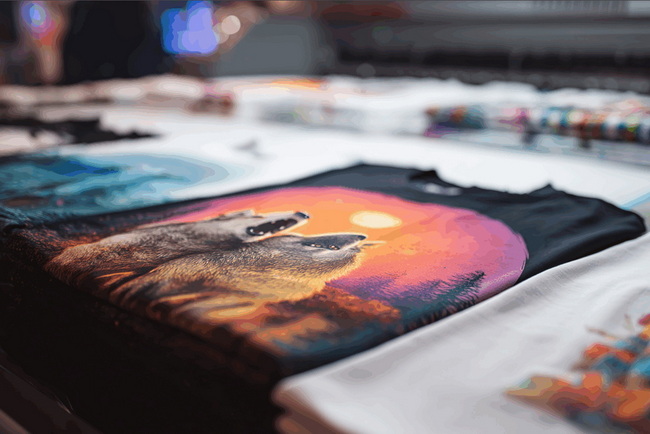
Ink cost impacts every sublimation business, even small craft shops that run only a few presses per day. Evaluating cost per milliliter and long-term usage patterns provides a more realistic picture than looking at cartridge or bottle prices alone.[1][2][3]
Economic considerations.[2][3][1]
- OEM systems: Dedicated sublimation printers with manufacturer ink often cost more per milliliter but can save money by minimizing misprints and downtime.
- Mid-priced third-party inks: Well-reviewed third-party brands tend to offer a balance of cost and performance, especially for EcoTank conversions.
- Ultra-budget inks: Very low-priced options may be acceptable for basic practice work but can require more maintenance effort and trial-and-error.
For makers selling products regularly, stable output and reduced waste often justify investing in more reliable ink systems rather than only chasing the lowest price.[3][1][2]
Different user types place different demands on sublimation ink and equipment. Mapping ink choice to usage level improves both user experience and profitability.[4][1][2]
Hobby users and beginners usually need an affordable entry point to experiment with mugs, small home decor, and simple garment projects. Converted printers paired with accessible third-party inks can serve as a practical learning platform, provided users follow proper setup and maintenance routines to avoid clogs and color shifts.[2][3][1]
As soon as customer deadlines and consistent product quality become important, many sellers move to dedicated sublimation printers and OEM inks. These systems reduce variability, provide stronger technical support, and allow creators to focus on design and marketing rather than troubleshooting hardware.[1][4]
In higher-volume environments where dozens or hundreds of pieces are pressed weekly, standardizing on a single printer, ink line, paper type, and press setup is crucial. Professional operators often select OEM ink systems and robust heat presses to ensure color consistency, long equipment life, and efficient throughput.[5][4]
Sublimation quality is determined by the entire workflow, not ink alone. Paper, substrate coatings, and heat press performance all influence the final appearance.[5][4][1]
Key interactions to understand.[5][4][1]
- Paper: Dedicated sublimation paper is engineered to hold ink on the surface and release it efficiently during pressing, which helps preserve detail and color density.
- Substrate: Sublimation only forms a permanent bond with polyester or poly-coated surfaces, so using compatible blanks is essential for durability.
- Heat press: Even heat distribution and correct pressure are critical; cold spots or insufficient pressure lead to faded areas and ghosting.
For operations that handle a variety of blanks and complex processes, high-quality presses with accurate temperature control and stable pressure across the platen are especially valuable.[5][4]
A structured testing process helps creators verify that a new ink fits their printer and project types before committing to large production runs.[4][5][2]
Make sure the printer is clean, previous ink is fully flushed where required, and the new ink is installed following the manufacturer or supplier instructions. Check driver settings for the correct media type and print quality mode for sublimation.[1][2][4]
Use a test file that includes gradients, solid color blocks, text at multiple sizes, and skin tones or neutrals. Print with recommended driver settings and ICC profile to establish a baseline for color and sharpness.[2][4]
Press the test prints onto the blanks you use most often, such as polyester shirts, coated tumblers, or ceramic mugs. Follow recommended time, temperature, and pressure guidelines for both paper and substrate, adjusting one variable at a time if needed.[5][4]
Check color vibrancy, fine details, and black density under consistent lighting. Once you identify optimal settings, document them clearly so future projects can follow the same parameters without additional experimentation.[4][2]
Once you have selected the right sublimation ink for your printer and dialed in your color workflow, the next step is ensuring that every press delivers consistent heat and pressure so your designs look identical from one batch to the next. If you are ready to scale from home crafting to dependable commercial output, prioritize robust, precision-built heat transfer and sublimation equipment that maintains stable performance under continuous use, then standardize your process so every mug, tumbler, and garment that leaves your workspace reflects the professional quality you want your brand to represent.[7][6][5][4]
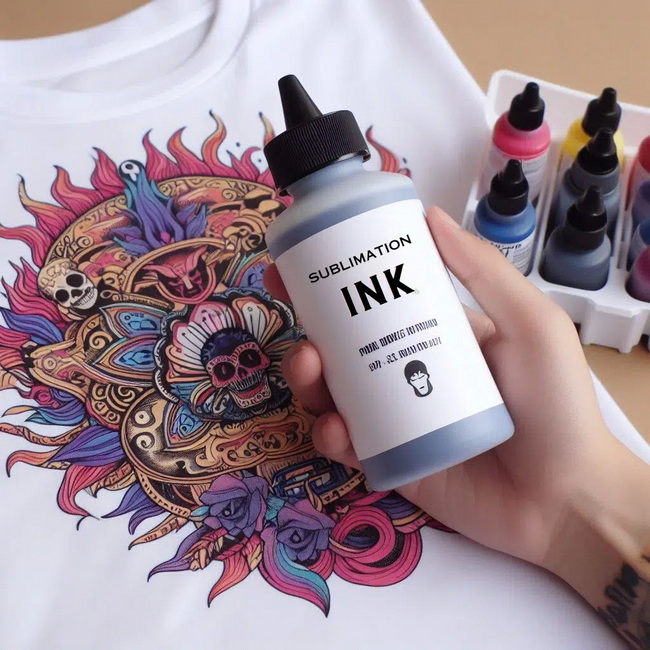
For beginners, the best choice is usually an ink that matches a reliable printer they already own or can easily support, combined with clear documentation and color profiles. Dedicated sublimation printers with OEM ink offer the most straightforward experience, while well-reviewed third-party inks on converted printers are suitable for learners willing to handle extra setup steps.[3][1][2]
Dull prints are often caused by incorrect press settings, incompatible paper, or missing ICC profiles, rather than ink alone. Increasing temperature or time blindly can damage substrates, so it is better to confirm recommended settings and verify that your paper, ink, and printer configuration match the guidance from suppliers.[1][2][4][5]
Mixing different sublimation ink brands in the same printer is strongly discouraged because varying formulations can react unpredictably, leading to clogs, banding, or inconsistent color. When switching brands, the safest approach is to flush the system completely following printer or supplier instructions before installing the new ink.[2][3][1]
Maintenance frequency depends on print volume and printer type, but regular nozzle checks and occasional cleanings are recommended for both OEM and third-party inks. Printers that sit idle for long periods need more frequent checks because dried ink in the nozzles increases the risk of banding and color shifts.[1][2][3]
For small businesses with steady orders, upgrading to a dedicated sublimation printer and matching ink is often worthwhile because it reduces troubleshooting time and improves print consistency. This stability makes it easier to maintain quality standards, fulfill orders on time, and build a trustworthy brand around repeatable color and durability.[2][4][1]
[1](https://makerflo.com/blogs/craft-library/best-sublimation-ink)
[2](https://www.colourvistas.com/best-sublimation-ink-epson/)
[3](https://thesublimationink.com/best-sublimation-ink/)
[4](https://makerflo.com/blogs/craft-library/best-sublimation-paper)
[5](https://www.heattransferwarehouse.com/heat-presses/)
[6](https://www.dcsbheatpress.com)
[7](https://www.dcsbheatpress.com/24x32-hydralic-heat-press-machine.html)


